How to Repair Corrupt Excel Files with Excel Recovery?
Excel Recovery tool is powerful application that help users to repair corrupted, damaged, or infected MS Excel XLSX 2007, 2010, 2013, 2016 & 2019 files. This XLSX Repair utility makes Excel recovery process so easy and hassle-free which helps a user to fix Excel file errors and restores in its original form. The software is well-equipped with rich graphic components that well instruct Excel File Recovery steps as it has undergone prolong testing with our technical experts.
You can easily repair corrupt XLSX files using Excel Recovery tool in just few simple steps as stated below:
Step 1: Install and open Excel Recovery application. Go to the Start menu » Programs » Excel Recovery » Excel Recovery Software will display the following screen:

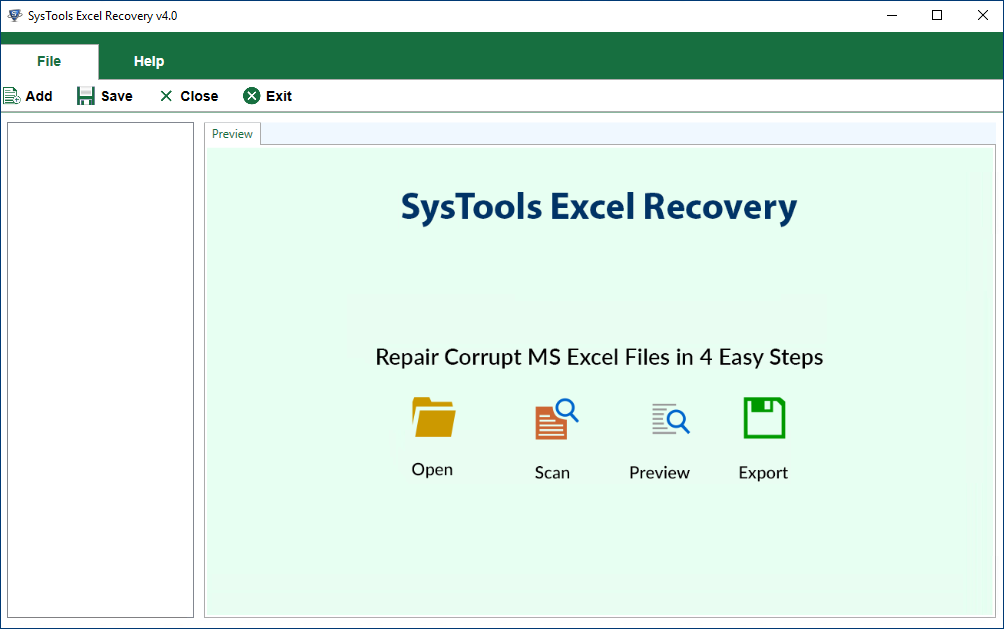
Step 2: Click on Add button and select the XLSX file by clicking on Add Files button. The following screen will appear:

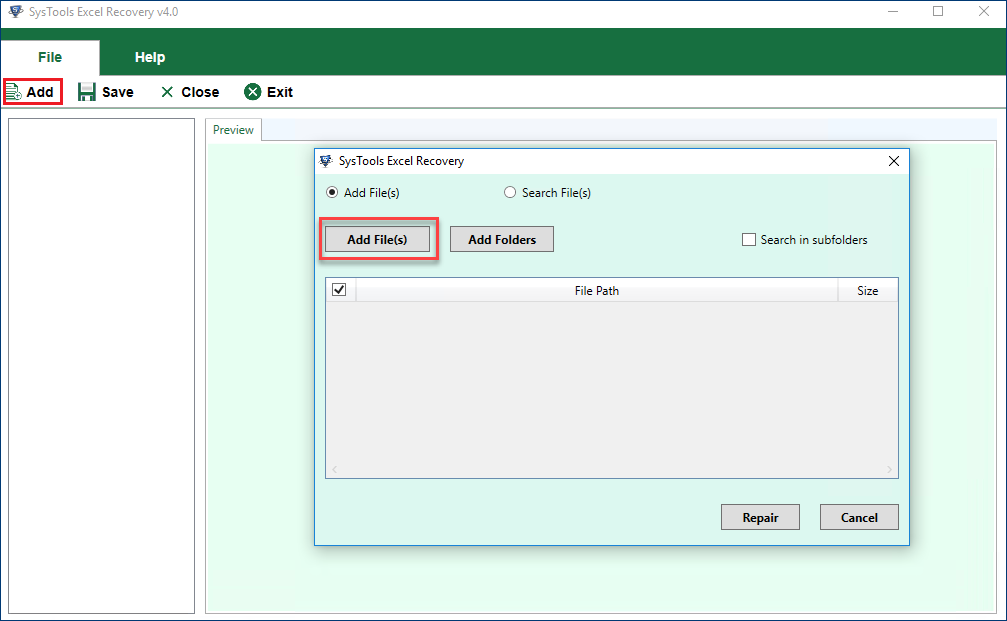
Step 3: Then select the corrupt or damaged .xlsx file and click on Open button.
After this, click Repair button to start the scanning of the selected XLS file.
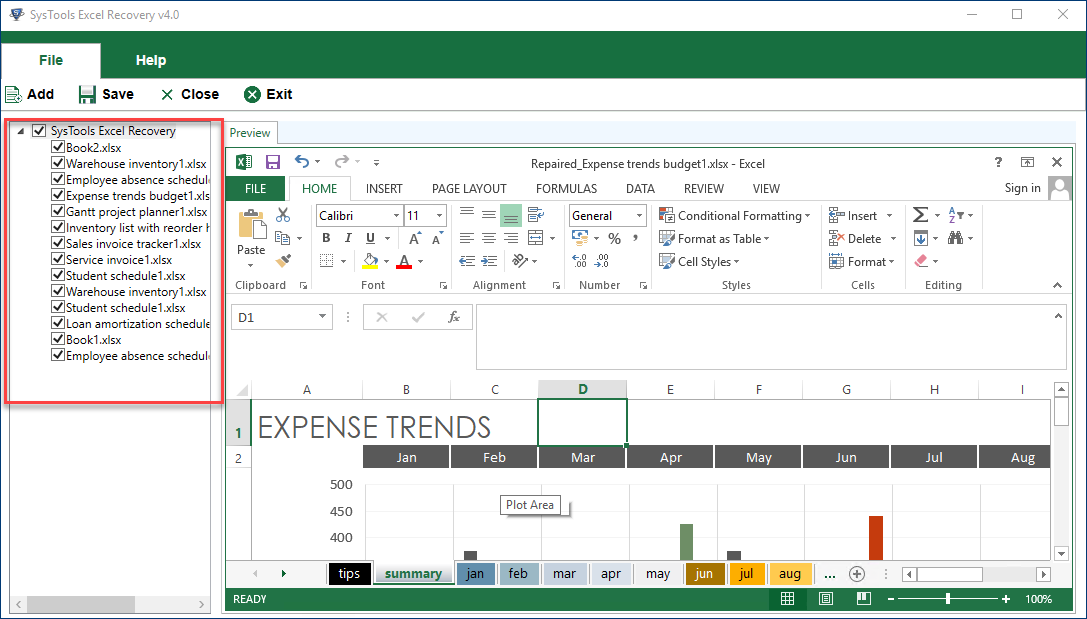
After scanning, a preview of the the repaired or recovered content of the seleted XLSX file will be displayed as follows:

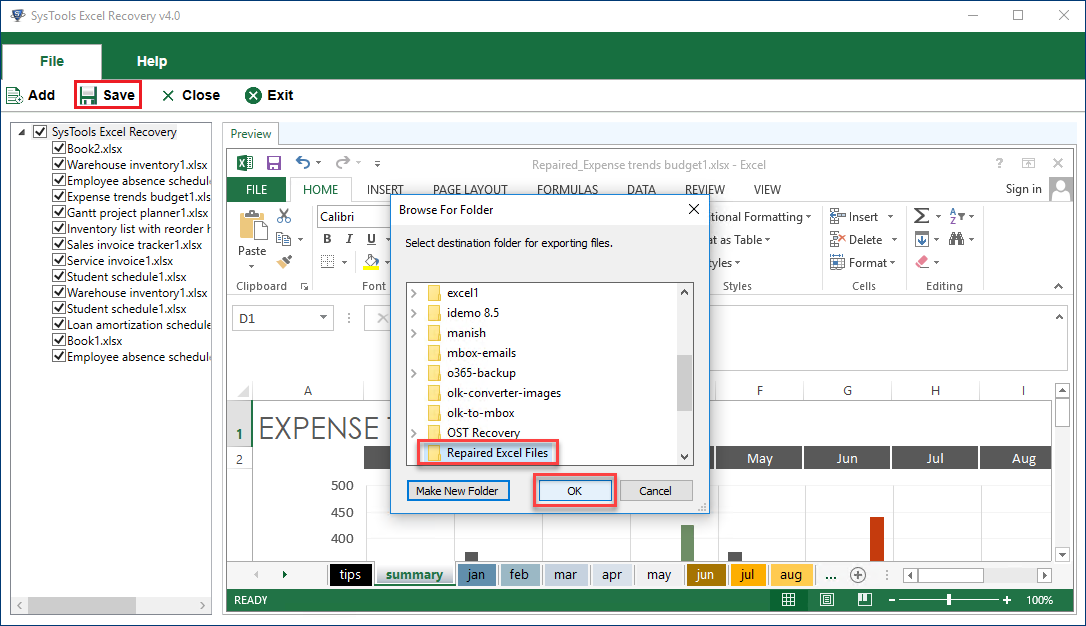
Step 4: After previewing the content of the repaired XLSX file, click on Save button to restore the repaired XLSX file. Then software will prompt users to select the location to save the repaired XLSX file as shown below:

View the repaired files from the saved location